
They record what users click. Regulators care about what actually fires.
Defensive Measures proves compliance continuously, automatically, and defensibly.
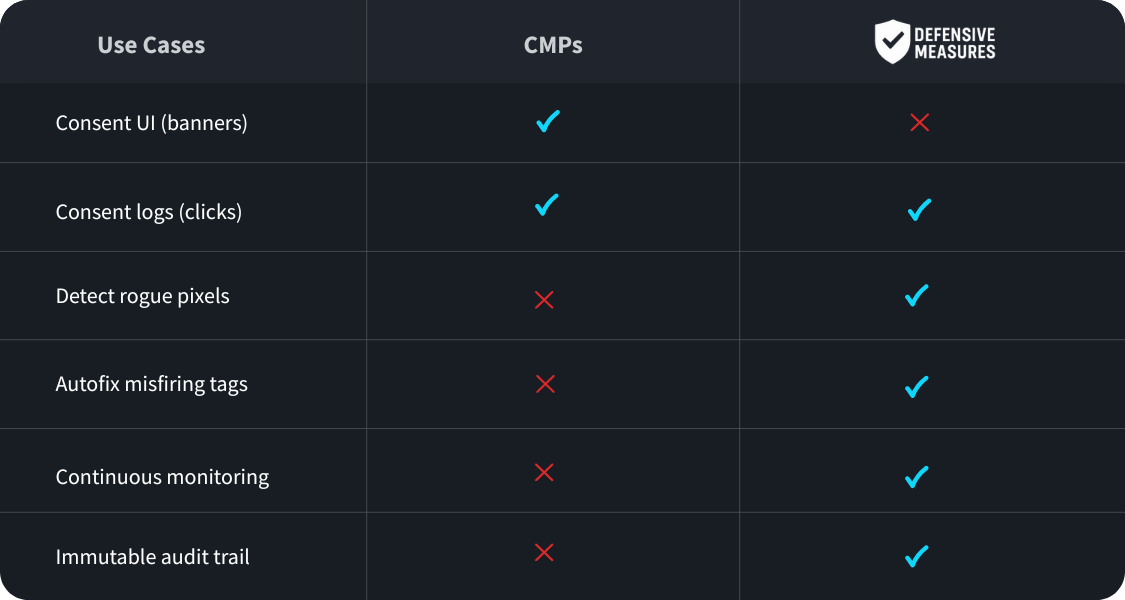
Yesterday: CMPs gave you consent logs.
Today: regulators demand continuous, timestamped proof that pixels, tags, and scripts respected consent.
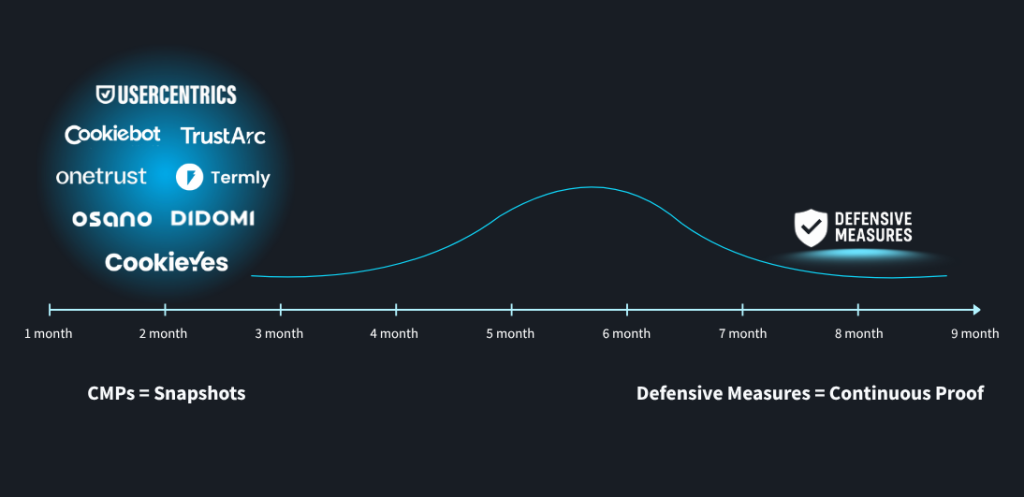
When fines hit, CMP logs don't hold up.
campaigns frozen for consent issues.
buried in manual audits.
sweating the next lawsuit.
Continuous monitoring and tamper-evident reports that stand up to regulatory review and discovery.
We observe active tags continuously. You get notified when a compliance problem is detected, not for routine changes.
GTM-ready fixes are packaged as a new version, and the owner is notified. They review, validate in preview, and publish.
Each run produces tamper-evident records of execution and consent. Share verifiable packs for audits and discovery.
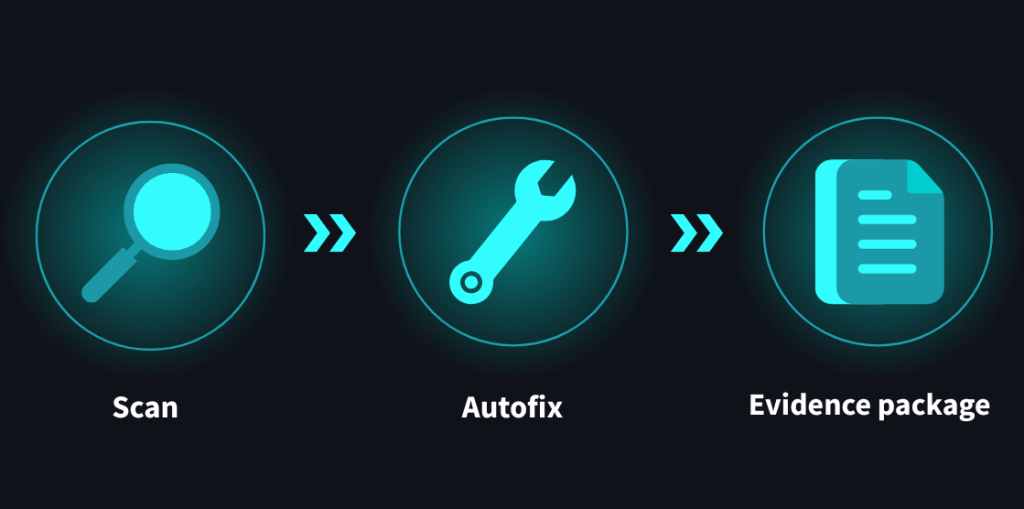
We validate what actually fires on your site, under real consent states. The flow below shows how we stage tags, exercise them safely, and return evidence and GTM-ready fixes.
We map native and community TagIDs to consent mode categories for full coverage.
Deploy all native tags into a GTM container to validate against Google Analytics test environments.
Load community tags into the same GTM test container for end-to-end evaluation.
Authenticate and automatically fix any wrongly categorized tags to restore compliance in real time.
Automated checks confirm tags are correctly categorized, with results delivered via screen and email.
Run checks for Basic vs. Advanced consent modes to capture category-level differences.
Trusted by compliance, legal, and marketing teams in regulated industries.
Enter a domain or GTM Container ID and press Scan. We map tags to consent, flag misfires, and propose one-click fixes in a safe GTM workspace.
Enter your domain name or your Google Tag Manager (GTM) container ID and click Check my website.
Note: Some CDNs/WAFs (e.g., Cloudflare) block remote scans. If that happens, enter the GTM container ID or use our Chrome extension.
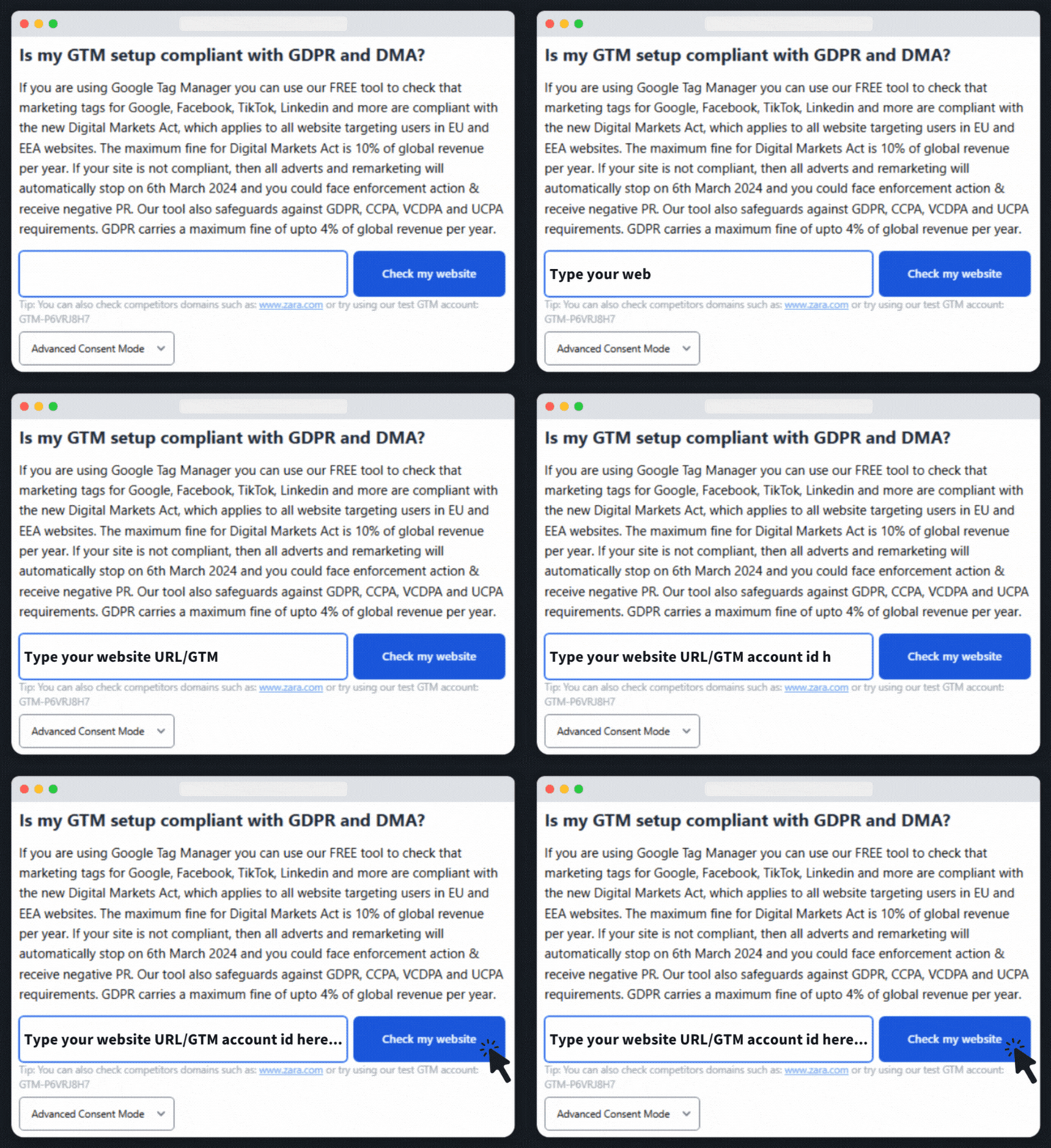
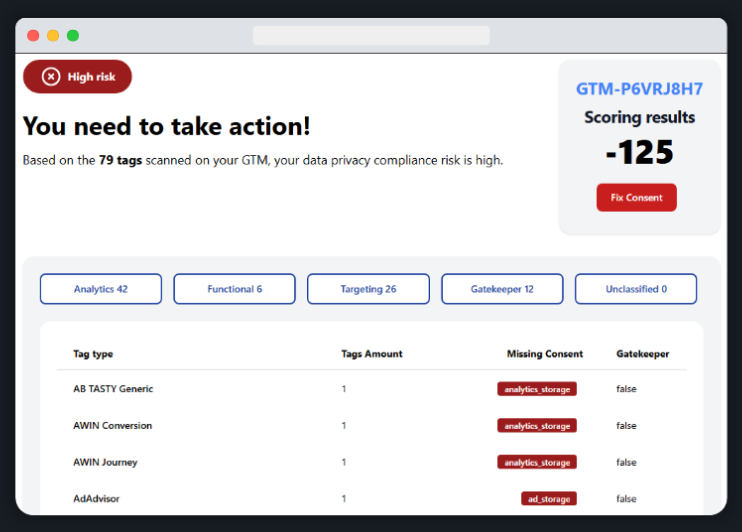
Pop in your email address to get the report. We parse your GTM container and show which tags are missing or mis-mapped consent, grouped by Analytics, Functional, Targeting, Gatekeeper, and Unclassified.
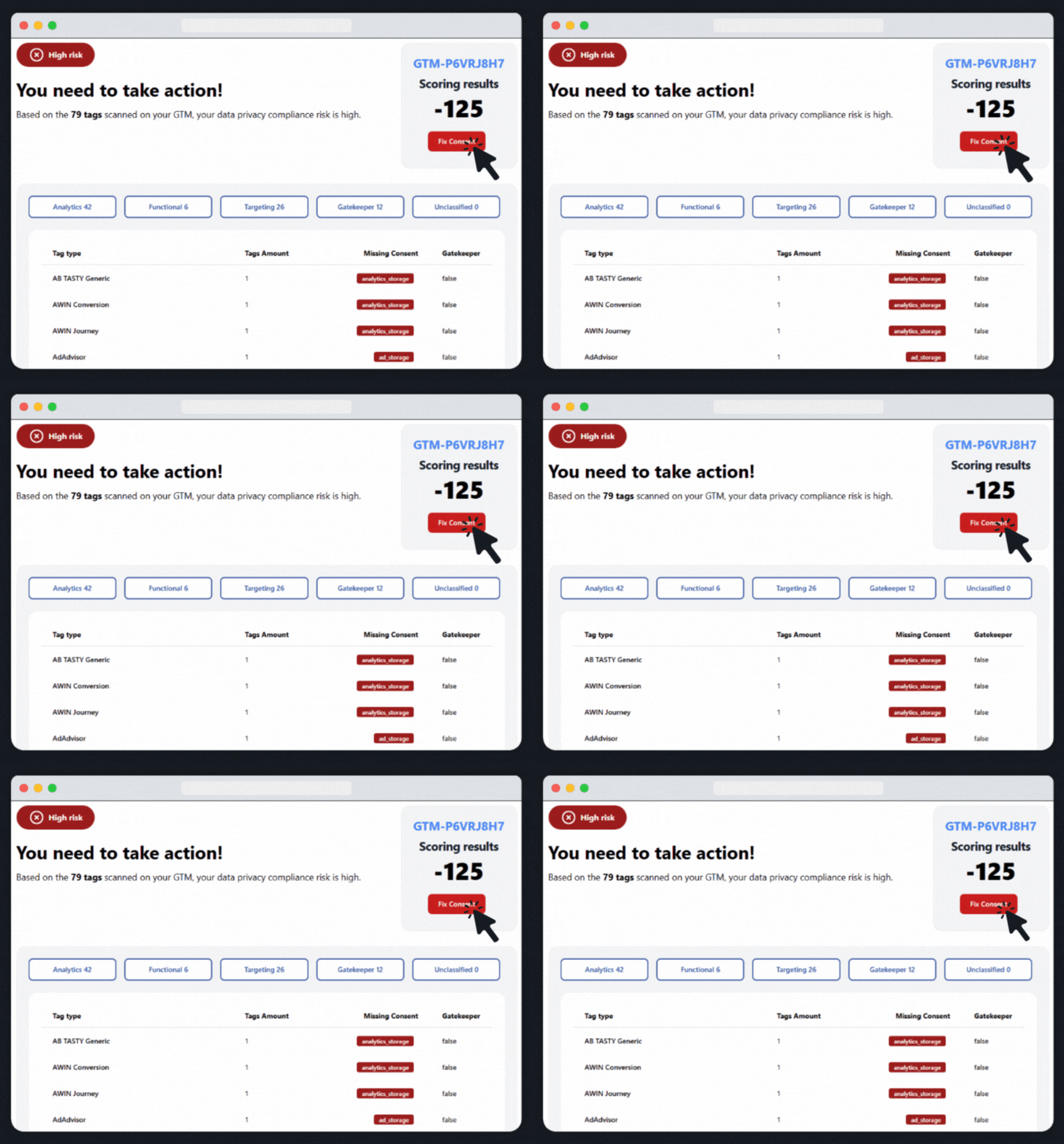
Hit the Fix Consent button, and in the following steps, we generate a safe GTM workspace. Recommended changes map tags to Consent Mode V2 and apply the right gatekeeper logic.
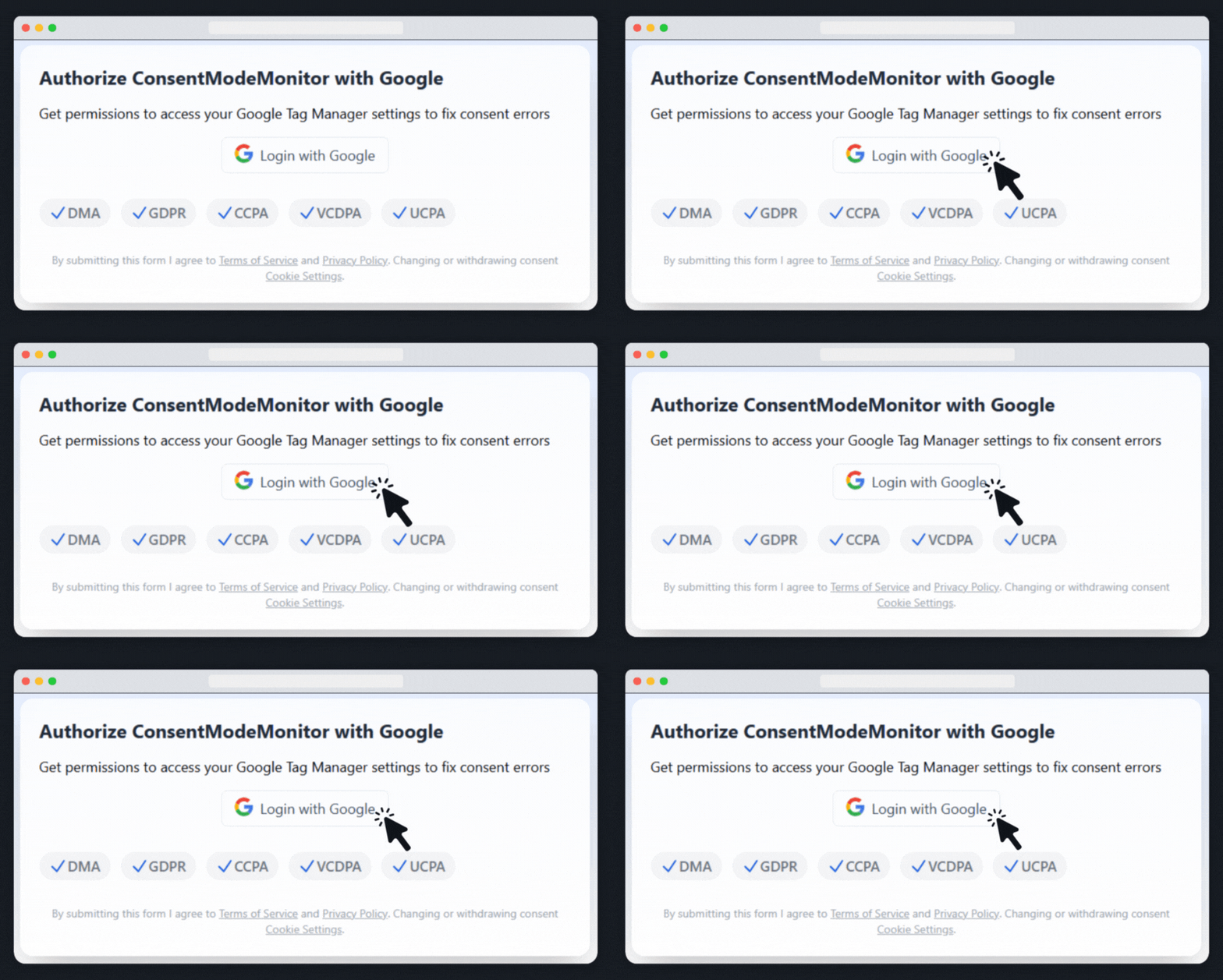
Authorise with a Google account that has at least Approve access to your GTM. Set up continuous monitoring for your GTM containers. Get instant alerts when changes are detected, ensuring your tracking stays healthy.
Some CDNs and WAFs block remote scanners. The Consent Mode Monitor Chrome extension runs the same audit locally in your browser, so you still see missing consent and mis-mapped tags without being blocked.
Answers to commonly asked questions about our platform
Sometimes the scan can be blocked by Cloudflare or other systems. If this is the case, simply enter the GTM account ID and it will scan without any issues.
Defensive Measures can only scan community tags if you are logged in with Google. For full accuracy, click login with Google and 1000 community tags will be added to the scan.
As well as providing greater accuracy, logging in with Google allows you to keep track of your history, and provides the opportunity to access to 1 click fixes and continuous consent monitoring and alerts.
Consent Mode Monitor will create a new workspace and fix all issues, allowing you to see all changes and switch back to your previous version for full control.
Up to 91% of sites use Google Tag Manager. However, other tools that check consent mode are only web scrapers that don’t scan tag management systems directly. Web scanners can’t always get behind login pages or go deep into your configuration settings. This means they may not get a complete overview of how compliant your setup is. This means Defensive Measures is uniquely accurate compared to other tools.
Blocking rules are generally considered to be bad practice for a number of reasons and should be avoided. Using blocking rules will prevent you from using advanced consent mode with advertiser-specific modeling.
Consent Mode Modeling refers to how Google estimates conversions and user behavior when consent is not given. It uses machine learning and statistical modeling to maintain data accuracy, and Google recommends that you use consent mode modelling alongside cookieless pings.
Check out our blog for more in depth information on Defensive Measures, as well as a host of other useful insights on topics such as Google Analytics, Google Tag Manager, CRO, SEO, and more.